Mermaid in.
Diagrams ready to share.

Beautiflow turns Mermaid source into polished, validated output. Use the CLI directly, keep a local preview open, or let the Agent Skill guide edits in Pi, Claude Code, or Codex.

diagram.mmdMermaid source
architecture-beta

group account(cloud)[AWS account]
group vpc(cloud)[VPC · two AZs] in account
group eks(cloud)[Amazon EKS] in vpc

service users(lucide:users)[Public users]
service route53(logos:aws-route53)[Route 53] in account
service waf(logos:aws-waf)[WAF] in account
service api(logos:aws-eks)[API] in eks
service database(logos:aws-aurora)[Aurora] in vpc

users:R --> L:route53
route53:R --> L:waf
waf:B --> T:api
api:R --> L:database
Validated outputArchitecture audit: 92 / 100
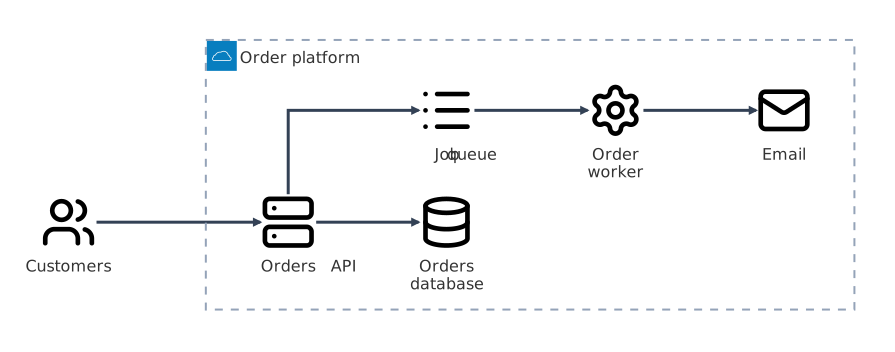
Rendered multilevel AWS production architecture diagram
Deterministic by design
Local-first and model-independent
31 tests · 368 assertions
MIT licensed

Mermaid describes the system. Beautiflow makes it readable.

A diagram can render successfully and still be hard to follow. Beautiflow checks geometry, hierarchy, routing, and reproducibility before accepting a layout.

Keep Mermaid as the source of truth. Store layout separately, edit by meaning, audit the final geometry, and export diagrams ready for docs or slides.

  • No coordinate guessingAgents describe the intended relationship. Beautiflow calculates and validates the geometry.
  • Preview never edits filesThe local server renders exactly what is saved. It never runs polish or changes the source.
  • Use any coding agentPi, Claude Code, Codex, and a plain terminal all use the same deterministic CLI.
  • Rendering is only the first checkAudits catch overlaps, crossings, unreadable labels, noisy routes, and regressions.

One file. A clear path from source to output.

Use one command for routine polishing. When a diagram needs a precise correction, semantic actions can change its layout or structure without editing pixel coordinates.

  1. M

    Understand the diagram

    Read the Mermaid family, nodes, connections, groups, labels, and saved layout preferences.

  2. L

    Compare valid layouts

    Generate a limited set of candidates while preserving pinned nodes, primary paths, and semantic roles.

  3. Q

    Check the final geometry

    Reject layouts with overlaps, blocked arrows, excessive crossings, unreadable labels, or quality regressions.

  4. O

    Export or preview

    Write SVG or PNG, render terminal output where supported, or keep a read-only browser preview open.

The CLI makes every change reproducible.

The same source and saved layout produce the same result. Parsing, routing, validation, transformation, and rendering stay local and deterministic.

  • Polish and validate with one command
  • Preview saved files without changing them
  • Review semantic edits with dry-runs before writing
Terminal
$ beautiflow polish architecture.mmd
$ beautiflow server architecture.mmd

The Agent Skill adds design judgment.

Conversation, visual review, and intent stay in your coding harness. The portable skill tells the agent how to use the CLI and when a valid result is good enough to stop.

  • Works with Pi, Claude Code, and Codex
  • Reads optional project guidance from FLOW.md
  • Requests roles and relationships, not pixel positions
Install the Agent Skill
$ beautiflow install-skill

Then ask:
Use Beautiflow to polish architecture.mmd.

See the source, command, and output.

Every example includes the Mermaid source, the rendered result, the exact command that produced it, a live-preview command, and an optional prompt for your coding agent.

Production AWS architecture

A 26-service architecture with explicit ports, recognizable service icons, nested account, VPC, and subnet boundaries, plus a stronger visual path for primary traffic.

architecture-beta

group account(cloud)[AWS account]
group vpc(cloud)[VPC · two AZs] in account
group eksGroup(cloud)[Amazon EKS] in vpc

service route53(logos:aws-route53)[Route 53]
service cloudfront(logos:aws-cloudfront)[CloudFront]
service waf(logos:aws-waf)[WAF]
service controller(logos:aws-eks)[Controller]
Beautiflow production AWS architecture render

Subscription intake

A complete flowchart with a clear activation path and a payment-recovery loop that stays readable without competing with the successful path.

flowchart TD
  signup([Trial signup]) --> profile[Create profile]
  profile --> plan{Select a plan?}
  plan -->|Plan selected| payment[Verify payment]
  payment --> accepted{Payment accepted?}
  accepted -->|No| retry[Request another method]
  accepted -->|Yes| provision[Provision workspace]
Beautiflow subscription intake flowchart render

Support escalation

Sequence, class, ER, and chart diagrams use dedicated renderers, so each family keeps the visual conventions that make it easy to read.

sequenceDiagram
  participant Customer
  participant Support
  participant Diagnostics
  participant Specialist

  Customer->>Support: Report intermittent failure
  Support->>Diagnostics: Collect recent traces
  Specialist-->>Support: Recommend configuration fix
  Support-->>Customer: Explain and apply fix
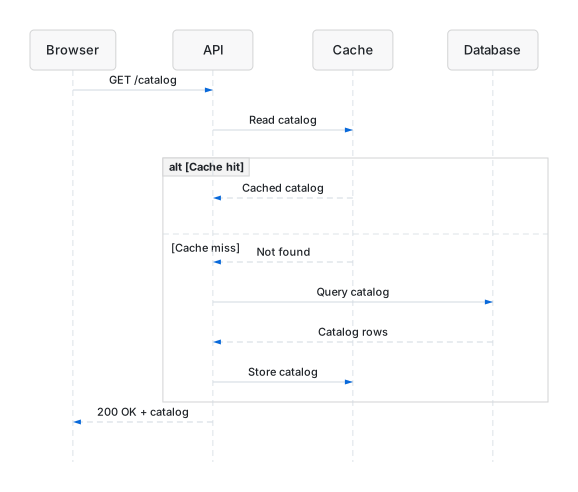
Beautiflow support escalation sequence render
FlowchartStateSequenceClassERXY chartPieGitGraphArchitecture-beta

Install one executable. Keep your workflow.

Each standalone release includes the complete rendering pipeline, with no Bun installation required. The macOS and Linux binaries are built and tested on their target operating systems.

Download the binary, add it to your PATH, and run it on a Mermaid file.

macOS Apple silicon · Linux x86-64

Verified standalone installation
curl -fsSL https://beautiflow.cc/install.sh | bash
MIT licensed · checksums included Browse releases ↗

Make your diagrams as clear as the systems they explain.

Start with one Mermaid file. Beautiflow preserves its meaning while making the layout clear, validated, and reproducible.